How to manage multiple WordPress sites efficiently
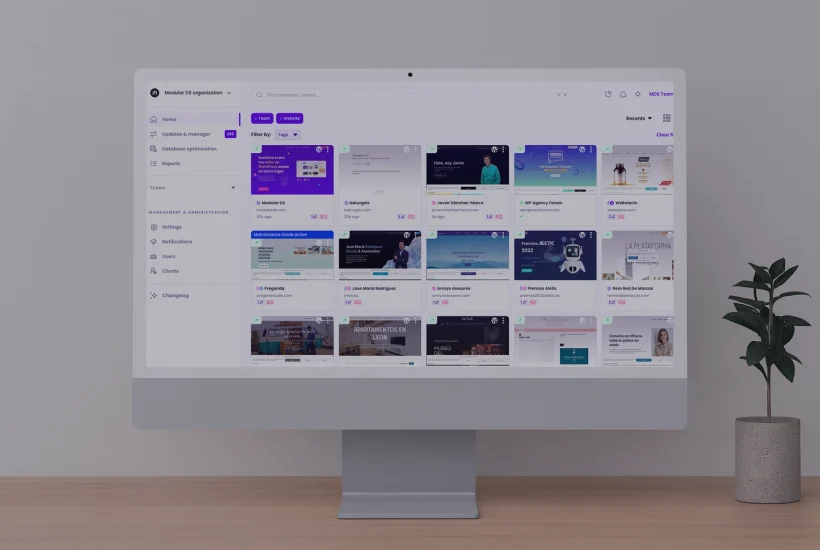
Managing multiple WordPress websites sounds easy until you realize how much time and effort routine tasks can take. Doing all the maintenance manually isn’t scalable and often leads to work piling up fast, mistakes, or issues going unnoticed. And skipping it is not an option either.
That’s where WordPress site management tools help. They automate updates, backups, monitoring, and security in a single dashboard so you can work more efficiently, save time, and focus on more important tasks, knowing your sites are safe and healthy. Plus, you don’t have to log in to each site one by one.
In this guide, we’ll look at five platforms that make managing your sites easy, as well as some tips to help you choose the right one for you.
Tabla de contenidos
Key factors when choosing a WordPress site management tool
While there isn’t an all-in-one solution for managing WordPress sites that’s perfect for everyone, here are some important things to consider when choosing one.
Ease of use
Most WordPress management tools promise to be easy to use, but the actual user experience feels very different from one to another. If it feels confusing or complicated, it defeats the whole purpose of using it.
The ideal platform should be easy to set up and intuitive to navigate for both beginners and more experienced professionals. A clean interface with a clear overview of all your websites can make a big difference. It will help you work faster, stay organized, and quickly spot what needs attention.
Product updates and support
Another important factor is how actively the platform is developed and how reliable it is. A tool that receives frequent updates, improvements, and new features usually shows that it’s listening and adapting to users’ needs.
Customer support is just as important. When you need help or run into an issue, you want a responsive team that’s easy to reach, understands the kind of work you do, and actually solves your question or problem.
Reviews can give you a good idea of what to expect, as users often highlight whether feedback is listened to, and whether support feels helpful or frustrating.
Security and vulnerability management
Most web professionals already use security plugins, but having security features integrated into your site management tool gives you an important advantage.
There are platforms that can warn you when an installed plugin or theme has a known vulnerability, help you apply security updates in bulk, and add temporary protection or mitigation rules while you wait for an official patch.
This means fewer tools to handle (and fewer subscriptions to pay for) to keep your WordPress sites safe, and one less thing to worry about in the long run.
Pricing and scalability
Pricing may not be the most exciting part, but it’s always important in keeping your budget predictable and under control.
Some WordPress site management solutions charge per website. Others offer fixed subscription plans. Core features may be included, while others, like backups or reports, might come as paid add-ons.
Before deciding, consider how many sites you manage now, and how many you might manage in the near future. Fixed plans usually make it easier to estimate costs as your business grows. Pay-per-site or add-on models can be flexible, but they often make long-term expenses harder to predict.
Data privacy and compliance
When managing WordPress sites for clients, it’s worth understanding how your platform stores data, like backups or reports.
For professionals or agencies working with clients in the EU, tools hosted in Europe make compliance easier because your data stays under GDPR. Others may use US infrastructure or third-party storage.
Having clarity about where and how personal data is handled helps you stay compliant and gives your clients more confidence.
5 best tools to manage multiple WordPress sites
Once you know what to consider when looking for a website management tool, the next step is choosing a platform that fits the way you work.
Below are five popular options in 2026. They all help you manage and monitor multiple WordPress sites, but each one takes a different approach and offers its own strengths.
Modular DS
Modular DS is an all-in-one platform for freelancers and agencies who want a single place to manage their WordPress sites easily. Compared to other tools, it stands out for its intuitive interface, responsive support, and continuous product updates.
Along with bulk and safe updates, it includes Update Copilot, a smart scoring system that analyzes each plugin release using multiple reliability factors and gives you information on how safe or risky it is to install.
It also offers automatic, GDPR-compliant backups, site health and uptime monitoring, security scans, and automated client reporting with Google Analytics, PageSpeed, Search Console, and WooCommerce integrations.
To further protect your sites, Modular DS can apply virtual patching and hardening measures with the Patch & Protect add-on (powered by Patchstack).
The platform has different subscription plans depending on the number of WordPress sites you manage. All include core features and flexible limits (overage), allowing you to add extra sites, users, or storage without upgrading.
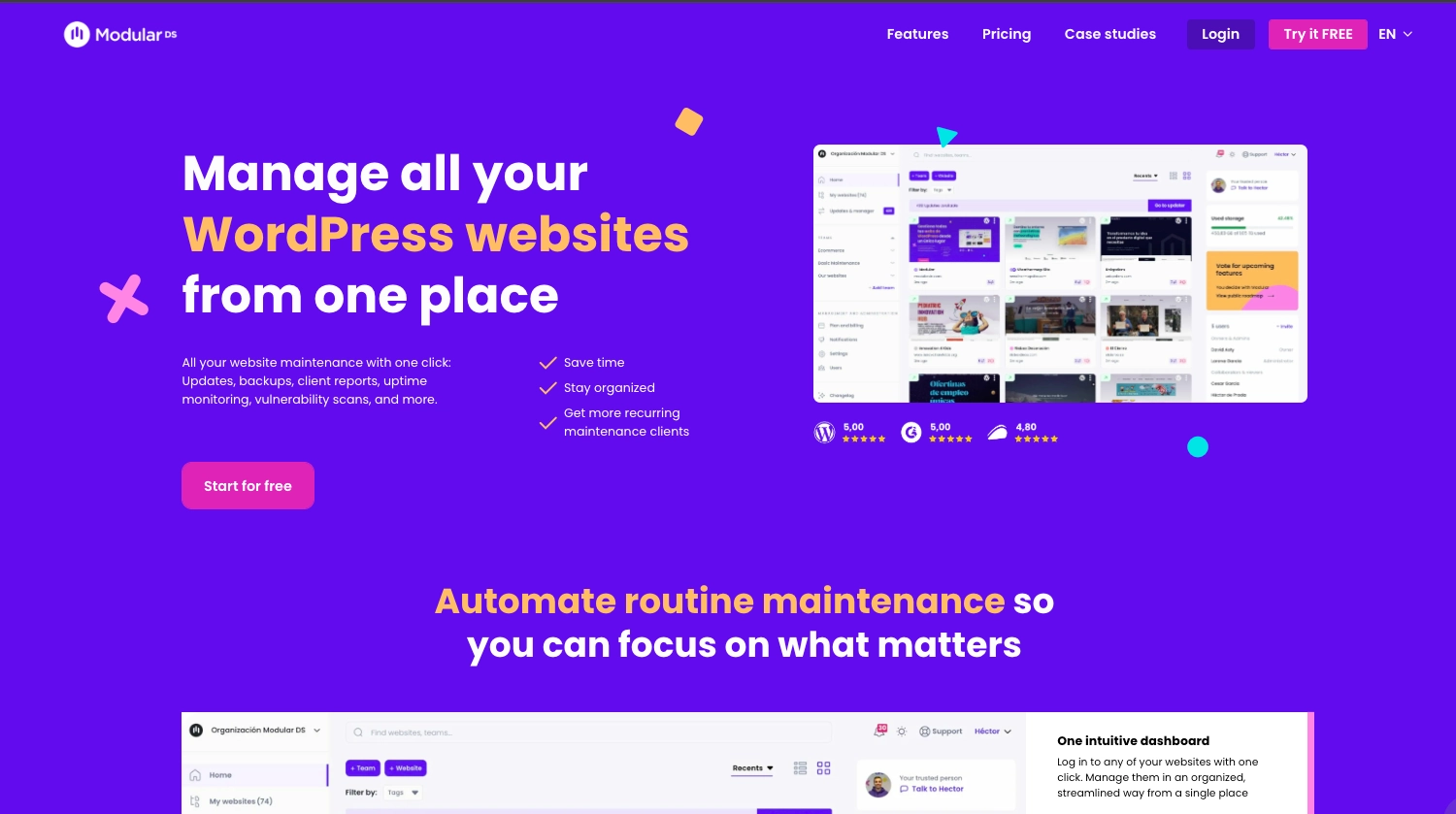
Pricing: Free trial with access to all Modular DS features. Plans start at $16/month for up to 10 websites. Higher plans range between $34 and $99/month (billed annually).
ManageWP
ManageWP is one of the longest-established site management tools. It offers a centralized dashboard accessible from their website, where you can perform most routine tasks.
Its main features include updates, backups and migrations, site health monitoring, SEO tracking, and client reports.
The platform offers a free plan for unlimited websites. However, many core features, such as safe updates, automated security checks, and advanced backups or reports, are paid add-ons that are charged monthly per site or as bundles. This makes pricing difficult to follow and estimate as the number of your sites grows.
Since the US company GoDaddy acquired the platform almost 10 years ago, it’s unclear where data is stored, and product development has slowed, making ManageWP’s interface feel dated compared to newer tools.
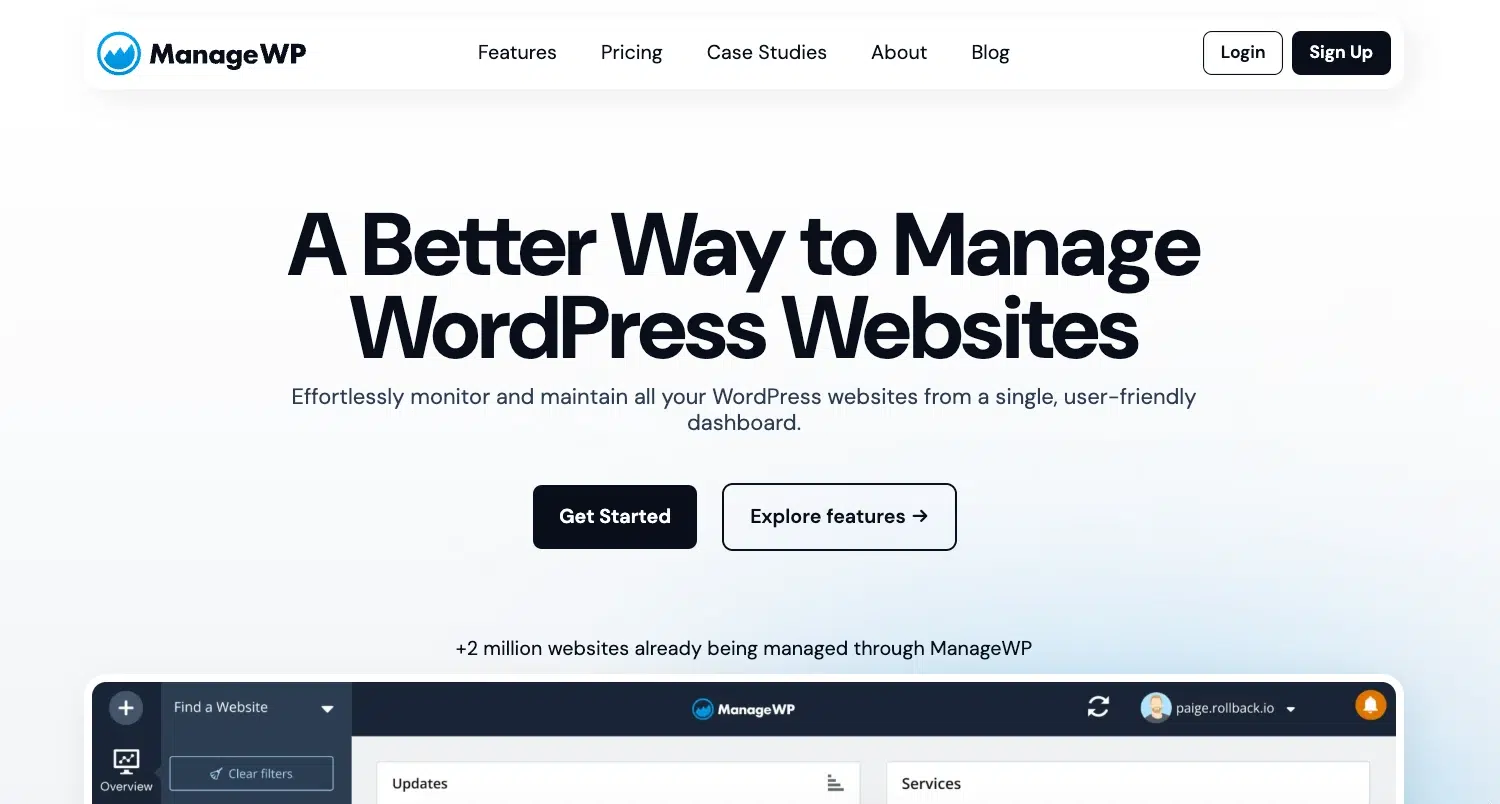
Pricing: Free plan available with limited functionality. Premium add-ons start at $1/month per site. Bundles for up to 100 websites and one or more features range from $25 to $75/month.
MainWP
MainWP is an open-source, self-hosted solution that lets you run your site management dashboard on your own server. This makes it a choice for developers or privacy-focused agencies who want full control over their data and prefer a customizable environment.
While the self-hosted nature provides flexibility, it comes with the responsibility to maintain the server, performance, and security. The configuration process can also be technical and time-consuming, especially for less experienced users.
MainWP works through extensions to add features like backups, uptime monitoring, security scans, and reporting. To set it up, you’ll need to install it on your server and connect each WordPress site through a child plugin.
The platform integrates with popular tools, like UpdraftPlus and Wordfence, and offers ticket and community support.
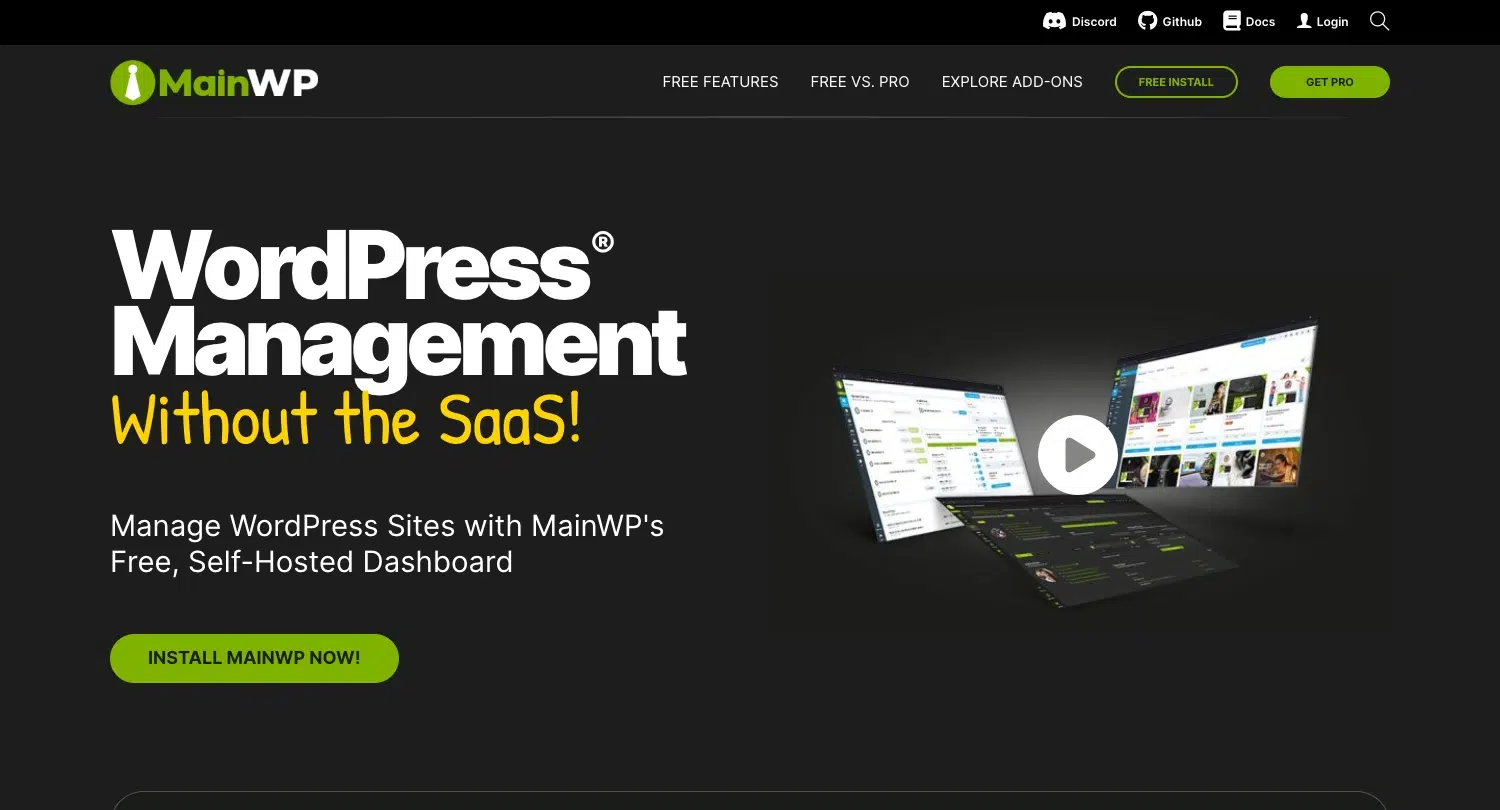
Pricing: Free with limited core features. Premium add-ons or extensions require a PRO bundle starting at $149/year. Some licenses for third-party integrations can require an additional cost. A lifetime license is available for $599.
InfiniteWP
InfiniteWP is another self-hosted tool that centralizes maintenance tasks across multiple WordPress sites.
The free version includes one-click logins, updates, and backups for unlimited websites. Features such as malware scanning, uptime monitoring, staging, or client reporting require a paid plan, as do integrations with third-party tools like Google Analytics or PageSpeed.
The platform uses yearly subscription plans for a fixed number of sites, and all of them include premium features. While InfiniteWP used to be a popular choice among agencies, development and product updates have slowed in recent years.
Pricing: Free version with basic functionality available. Paid plans start at $147/year for up to 10 websites and 3 days of email support. Higher tiers for larger site limits and faster support range between $247 and $647 per year.
WP Remote
WP Remote provides a cloud-based dashboard for handling bulk and safe updates, backups, and client reporting. It also includes a staging feature, allowing you to create a safe copy of a site to test changes before pushing them live.
On the security side, the tool offers an AI malware scanner, an integrated web application firewall (WAF), and vulnerability monitoring.
WP Remote uses a per-site pricing model with different subscription plans, depending on the features you need. More advanced capabilities, such as real-time backups or hourly scans, are sold as separate add-ons billed yearly per website.
It also has a free plan, but it includes only basic features like plugin and theme management, bulk updates, and simple client reports.
Pricing: A free plan with basic features is available. Plans range from $1.99 to $19.99 per site/month, depending on which features (backups, safe updates, security, staging, etc.) are included.
Final thoughts
Managing multiple WordPress sites efficiently means building a workflow that’s reliable and scalable, without adding more complexity to your day.
Your choice of tool ultimately depends on what you prioritize and value most: ease of use, automation, security, scalability, GDPR-friendly hosting, open-source flexibility, etc.
Whichever direction you take, make sure your setup covers the essentials: updates, reliable backups, strong security, uptime monitoring, and client reporting. These pillars are what turn routine WordPress maintenance into a professional, profitable service that your clients will trust.
Modular DS brings all of these pieces together in a single user-friendly dashboard. You can try it free for 14 days and see how much time it can save you on day-to-day WordPress site management. And if you decide to switch from another platform, we offer free migration support to help make the transition.

Managing multiple WordPress websites FAQs
What’s the best WordPress site management platform for agencies or freelancers?
If you want an all-in-one platform that prioritizes ease of use, reliable support, and advanced functionality, Modular DS is one of the strongest options for agencies and professionals. For users who prefer a self-hosted setup and more control over their environment, MainWP remains a solid alternative.
If you’d like a deeper comparison, you can also take a look at these guides:
What are the key tasks included in WordPress website maintenance?
A good WordPress site management routine should include:
- Updating plugins, themes, and WordPress core
- Performing automated backups and restores
- Monitoring uptime, performance, and overall site health
- Checking for vulnerabilities and security issues
- Client reporting
Why use a WordPress site management platform instead of individual plugins?
Individual plugins are fine for single sites, but they don’t scale well. A dedicated management tool reduces the risk of missed updates or failed backups and provides a single source of truth for uptime, performance, and security across all your sites.
Can I use WordPress Multisite to manage several websites?
Multisite can be useful if all sites share the same hosting and structure (for example, a network of regional sites for one brand). However, for agencies and professionals managing independent client websites, external management tools are more flexible and secure.
How often should I back up WordPress sites?
For most business sites, daily backups are enough. For e-commerce or membership websites with frequent changes, hourly or incremental backups are recommended. The key is automation and off-site storage. Manual backups or local copies aren’t enough.
How can I monitor uptime and performance across multiple sites?
Most management platforms include uptime and performance tracking. You can get alerts when a site goes offline, an SSL certificate expires, or response times drop. This helps you fix problems before clients notice.
Are WordPress site management tools secure?
Yes, as long as you choose a reputable provider that follows best practices and secure connections. Modular DS, for example, connects each WordPress site using OAuth2 authorization. This means the platform never stores your login credentials. Instead, each site issues a short-lived token that Modular DS uses to communicate safely. In short, even if one site’s access is revoked, it doesn’t affect any others.

Stay in the loop

